Get Started
Master the essentials that form the foundation for everything
Per session · Unlimited participants
About this webinar
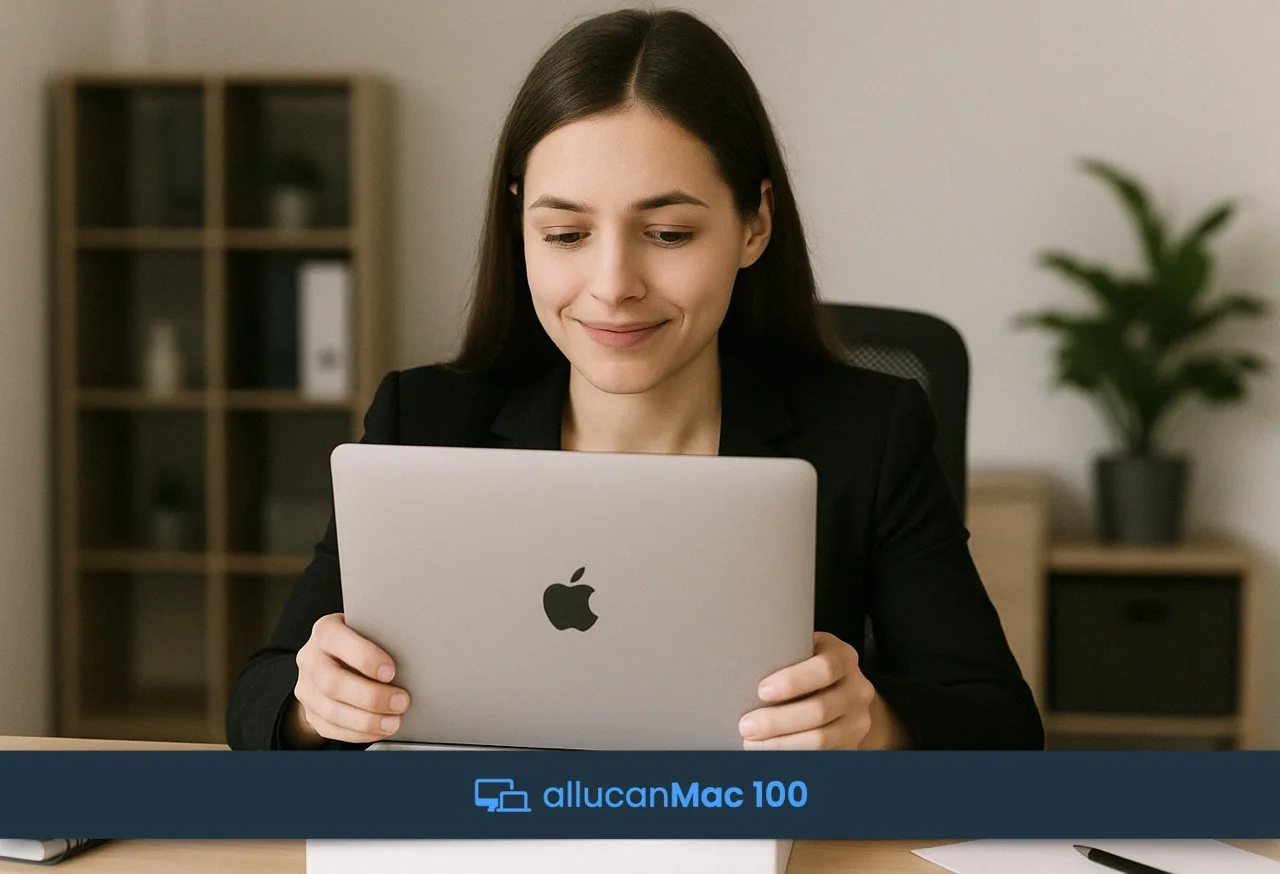
Get a clear overview of what is what and the most important things to know to get started with your Mac and not feel lost. This module is the first step of the allucanMac Journey. You'll learn the essential interface elements and shortcuts that form the foundation for everything you'll do on Mac, including topics such as the menu bar, dock, spotlight, and system settings—plus much more.
What you'll cover
- Menu Bar
- Dock
- Spotlight
- Finder Basics
- Control Centre
- Notification Centre
- Downloads
- Quick Look
- Bin/Trash
- Applications Interface
- Window Icons & Controls
- Closing Apps
- System Settings Overview
- Mouse/Trackpad Gestures
Who is this for
This webinar is great for business professionals who are just starting out with Mac, want to refresh their macOS knowledge, or are considering making the switch!
Prerequisites
None. This is the first step of your journey.
Online, Flexible and with Live Q&A.
120 Min. Live Webinar
Unlimited Participants
Best Fit Scheduling
Live Q&A with Trainer
100% Business Relevant
No Blabla, No Endless Slides
Only Practical Demos
Full Online Experience